


With the recent quarantine extension in the Philippines, making our “Stay at Home” experience more productive has never been so important. As easy as it sounds, the same may not be true for those who are used to doing their tasks in the office.
With this, Samsung shares tips to boost productivity with the help of smartphones when working remotely.

Stay At Home Tips: How to be Productive on Your Smartphone
Tip 1: Set an alarm and commit to the planned schedule
Working from home does not mean waking up late. Use a smartphone to set an alarm because working on tasks in the morning avoids distractions that may be encountered when family members are around. This will also help lessen the procrastination in the afternoon.
Make sure to follow the task list for the day. Use the notes application to track important deliverables and plan out when to start doing them.
Tip 2: Always stay updated and connected
Smartphones are a handy tool to be in the know. Check out the news and make sure to get updates from reliable sources. Install mobile applications to receive information about current events. Trends can also help provide insights that can be used for work.
Maximize Bixby for daily routines. This smart virtual assistant adapts to users’ needs to simplify tasks such as setting alarms, managing schedule, looking for the newest trends, checking the weather, or getting news updates from reliable sources.
Tip 3: Join online classes
Keep the mind stimulated by applying to online courses or webinars (web seminars). Some offer free talks or lectures about passion and productivity. For instance, some podcasts tackle how to effectively work remotely. There are also seminars about creativity and inspiring a person’s inner genius.
No need to make a grand set up to listen to these motivational discussions. A smartphone with reliable internet and earbuds will do.
Tip 4: Take up a hobby
Being in charge of the day means having control over the schedule. Take time to explore creativity by doing activities such as photo and video shooting, gaming, digital art, or online business. These can be done with the help of a smartphone.
Tip 5: Squeeze in a workout session
Make sure to be physically healthy while at home by exercising. There are free online classes that teach yoga, workout, and other activities to help people stay in shape. There are also tutorial videos on YouTube that are available for streaming. Don’t forget to find a room or space conducive to these activities.
Meanwhile, Galaxy smartphones have pre-installed ‘Samsung Health’ application to track users’ recent work outs, food, water intake, weight, and sleep hours.
Tip 6: Take a break
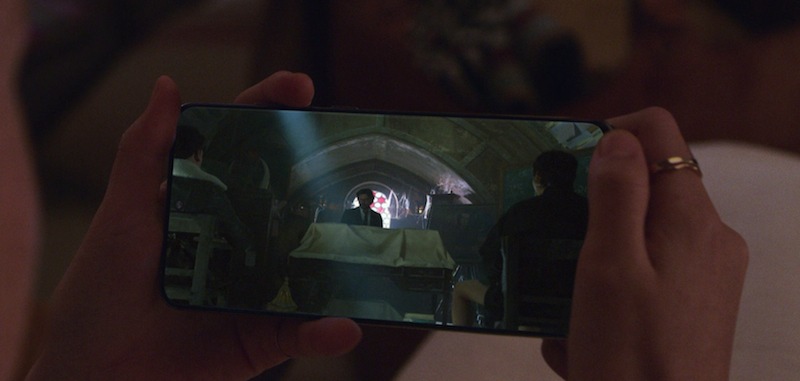
Your well-being should not take a backseat while working at home. If meditation is not possible, try alternative ways to relax such as watching different series and films, or listening to music.
Use gadgets that would give you the best experience as you do these activities. The Samsung Galaxy S20 Series has a Hyperfast Infinity-O Display that provides an immersive viewing experience. Users can also watch for longer hours as it is equipped with an all-day intelligent battery.
Pair it with the Galaxy Buds+ for a realistic sound. It delivers superior audio quality with rich treble and bass, perfect when streaming videos.
Tip 7: Connect with family and friends after work
Check on loved ones constantly after work. It only takes around five minutes to text or call them to know how they are. It also helps to disconnect from work to avoid burnout.


0 Comments